

Business Insights
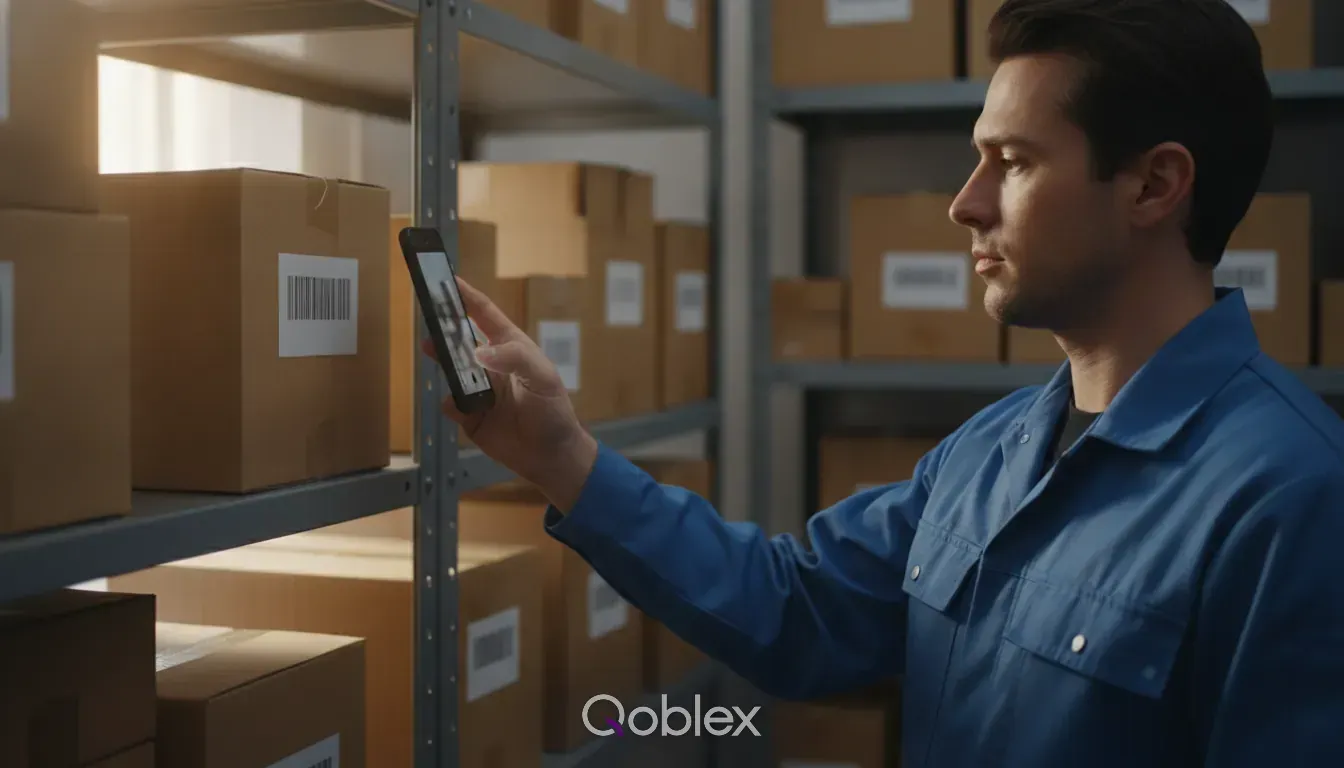
Inventory Management Software With a Barcode Scanner
A guide for operators who searched for a barcode scanner and want to know which problem it is supposed to solve first.
10 min read
Partners and services
Help & support
Customers & Tools
By what you sell
Inventory app for the work that happens away from a desk. Take the order at a customer’s counter, count the shelf where the shelf is, and pick with the phone camera as your scanner, all against the same account and stock as the web app.
Stocktake · Main warehouse
Counting on a phone
| Item | On hand | Counted |
|---|---|---|
| Olive oil | 218 | 218 |
| Sea salt | 60 | 54 |
| Glass jars | 40 |
Everything the app does, it does against the live account. There is no separate mobile copy of your data to reconcile afterwards, and nothing is written on paper to be typed in later.
01Order
Create and edit sales orders in front of the customer, with their price list and their currency already applied. Scan a barcode to add a product to the order. It is in the system before you have packed the stand, rather than on a pad you transcribe on Monday, and the office sees it in the same list as every other order.
Sale order · SO-2318
Harbour Deli
| Item | Qty | Price | Total |
|---|---|---|---|
| Olive oil | 48 | £8.50 | £408.00 |
| Sea salt | 36 | £4.00 | £144.00 |
| Glass jars | 20 | £15.00 | £300.00 |
02Count
Create adjustments and run a stocktake by scanning your way along the racking. What you count is what gets recorded, with a reason and your name on it, and nobody retypes a tally sheet. The count stays a draft until someone with the right to do so authorizes it, and only then does stock change.
Stocktake · Main warehouse
Sea salt
On hand
60
Counted
54
Variance
−6
03Pick
Work through the day’s shipments on the phone: pick the lines, pack them and dispatch. Scanning as you pick is what catches the wrong variant before it goes in the box rather than after it reaches the customer, and what went out is written to the same order the office is looking at.
Shipment 1 · SO-2318
Harbour Deli
| Item | To pick | Picked |
|---|---|---|
| Olive oil | 48 | 48 |
| Sea salt | 24 | 24 |
| Glass jars | 20 | 12 |
iOS 14 or later and Android 8 or later, from the App Store or Google Play.
The catalogue with the price list that applies to the customer you are standing with.
Each person signs in with their own Qoblex account, and their permissions decide what they can do.
Let someone count stock without giving them the power to change it.
Turn on Mobile Access once under Integrations, and the whole team can download the app.
If everyone works at a desk, or carries a laptop or tablet to the shelf, the web app does the job. The app earns its place when the work happens standing up, with one hand free.
| Feature | Web app | Mobile app |
|---|---|---|
| Same account and stock | Yes | Yes |
| Take an order away from a desk | On a tablet | Yes |
| Count stock by scanning | With a handheld scanner | With the camera |
| Pick and pack | Yes | Yes |
| Look up a customer’s price | On a tablet | Yes |
| Settings, integrations and setup | Yes | Not every screen |

This app is one of the best investments ever! Our inventory problems have been solved. 90% of our products are bundles/composites and Qoblex works perfectly with these types of products. Support is awesome!
Integration ecosystem
Native integrations and open APIs let you easily connect data across your existing digital toolkit. Enhance your operations without changing the workflows you’ve spent years perfecting.




 Claude


 OpenAI

Devices, scanning, and what the app can do.
An inventory app puts your stock system on a phone, for the work that happens on the shelf, at a trade stand or in a van rather than at a desk. The Qoblex app works against the same account as the web app, so an order taken or a count made on the phone is in the system straight away, with nothing to copy across later.
iPhone, iPad and Android phones and tablets, on iOS 14 or later and Android 8 or later. It is the same app on all of them, working against the same account as the web version.
No. The app uses the phone’s camera to read barcodes, for finding products, building orders and counting stock. If you already own handheld scanners, they work in the web app too: the stocktake scanner takes whatever the scanner types.
Browse the catalogue, create and edit sales orders, pick, pack and dispatch shipments, and run stocktakes and adjustments. It is built for the jobs that happen away from a desk rather than as a copy of the whole system, and it does not replace the web app.
The app reads and writes your live account rather than a copy of it, so a reliable connection where the work happens is worth having. If coverage on your warehouse floor is patchy, try the workflow your team will use, in the place they will use it, before you roll the app out.
The app is a paid add-on on Starter and Business, and is included on Scale. It is per account rather than per person, so your whole team uses it once it is on. See pricing for current terms.
Turn on Mobile Access under Integrations, then download the app from the App Store or Google Play links shown there and sign in with your Qoblex account. The products, customers and stock are already there.
Yes, through their permissions. Mobile Access is one switch for the whole company, so turning it off removes the app for everyone. To limit one person, change what their user can do, and the app shows them only that.
Business Insights
A guide for operators who searched for a barcode scanner and want to know which problem it is supposed to solve first.
10 min read
Business Insights
In a world flooded with options, picking the perfect barcode scanner can be a daunting task. This article breaks down the key factors to consider when selecting the right scanner for your needs.
3 min read
Business Insights
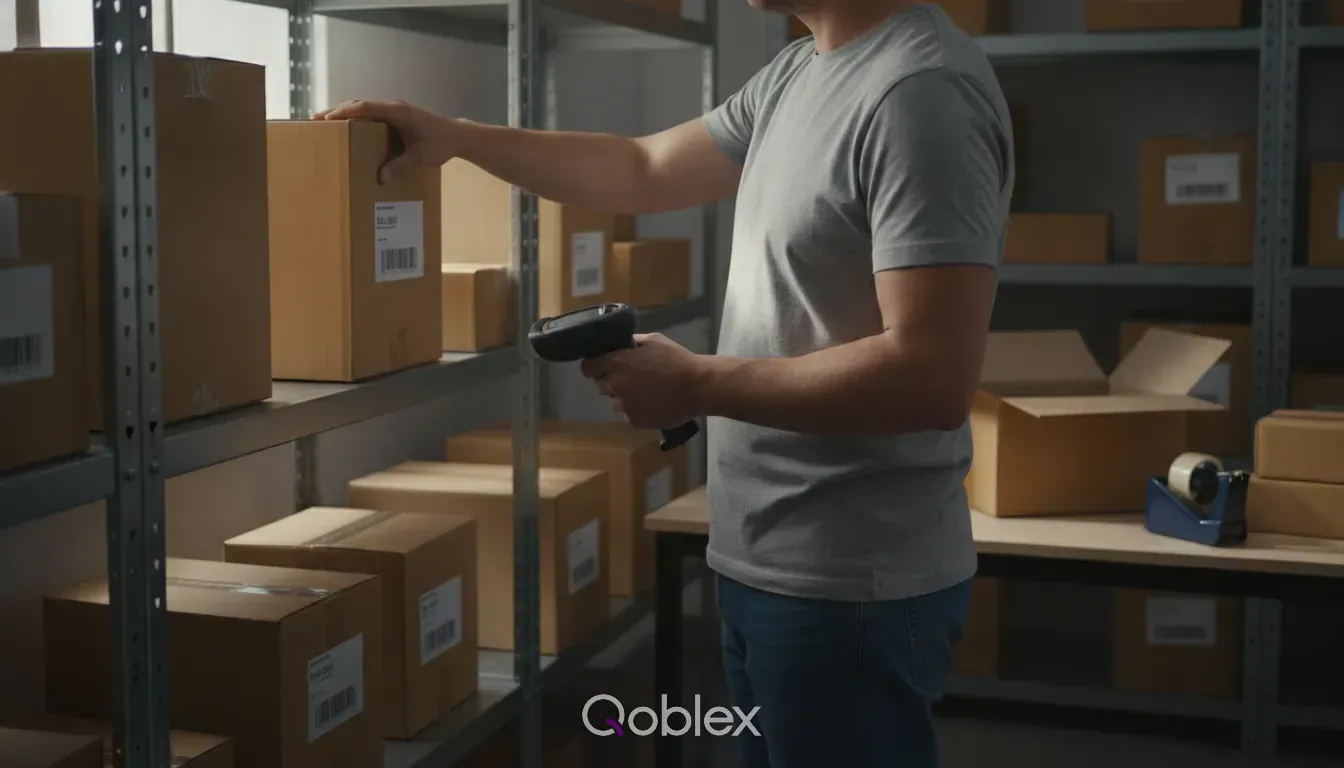
A guide for operators who already ship their own orders and are deciding whether the pick, pack and dispatch step needs its own software.
10 min read