


Business Insights
Warehouse Management Tactics for Unmatched Inventory Control
Discover proven warehouse management tactics to streamline operations, minimize errors, and achieve unmatched inventory control for your business.
4 min read
Partners and services
Help & support
Customers & Tools
By what you sell
The day you open a second location, “how many do we have” becomes a question with two answers. Qoblex holds stock per location on one screen, moves it between them with a transfer that leaves a record, keeps consignment stock visible after it has left the building, and prints the pick list where the order will actually ship from.
Nothing about the stock changes. Everything about knowing where it is does.
Forty in the system means thirty here and ten there. The order ships from the location with none, and the transfer to fix it costs a day.
A van goes between sites every week. What was on it lives in a text message until the count is wrong and nobody remembers why.
Goods placed with a customer or a partner fall off the books the day they leave, and reappear only when someone asks why the number does not add up.
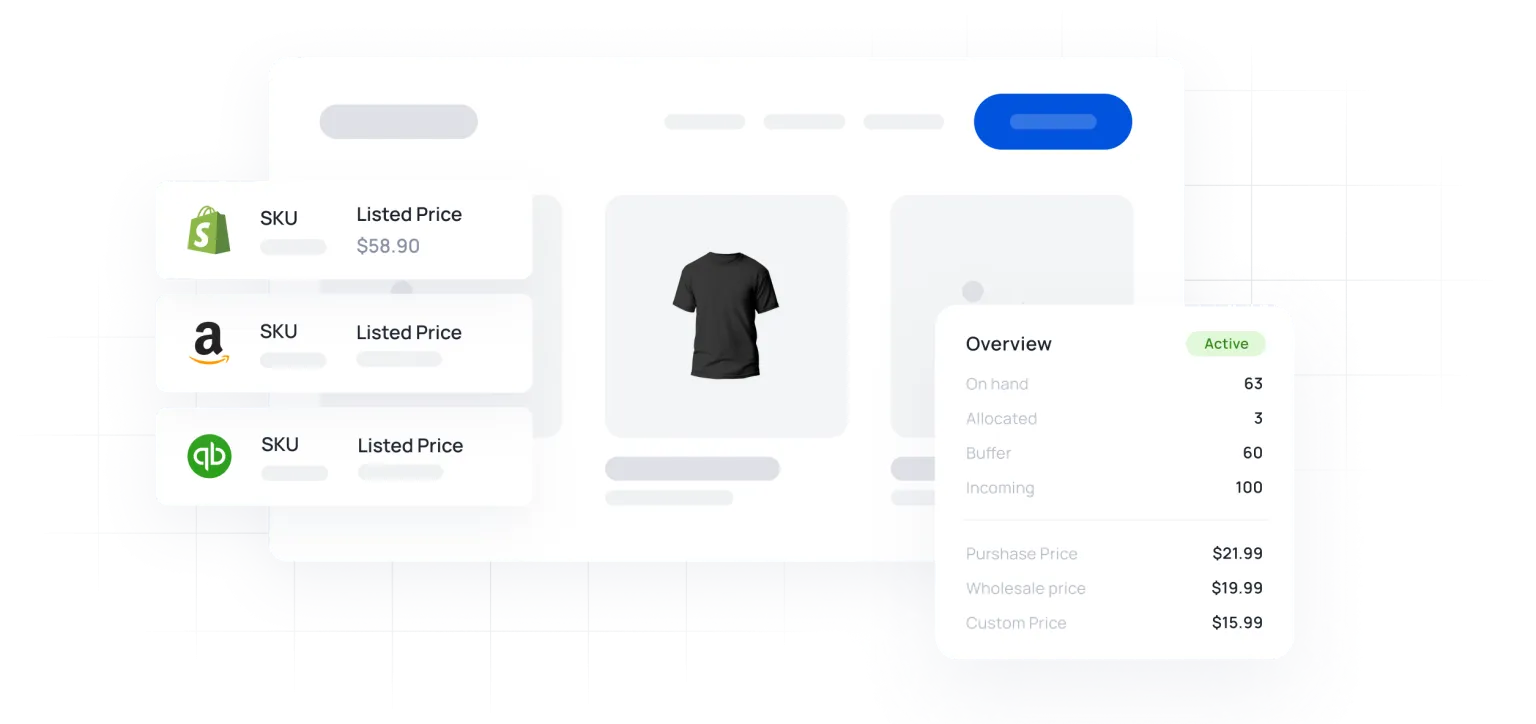
Every product and variant shows stock on hand at each location and in total, so a shortage in one warehouse is visible even when the company total looks fine. Orders are fulfilled from a chosen location, and pick lists print when they reach shipping.
Moving stock is a stock transfer: a document with a date, a from, a to and a who. The van’s load is on record before it leaves.
See multi-location stock.
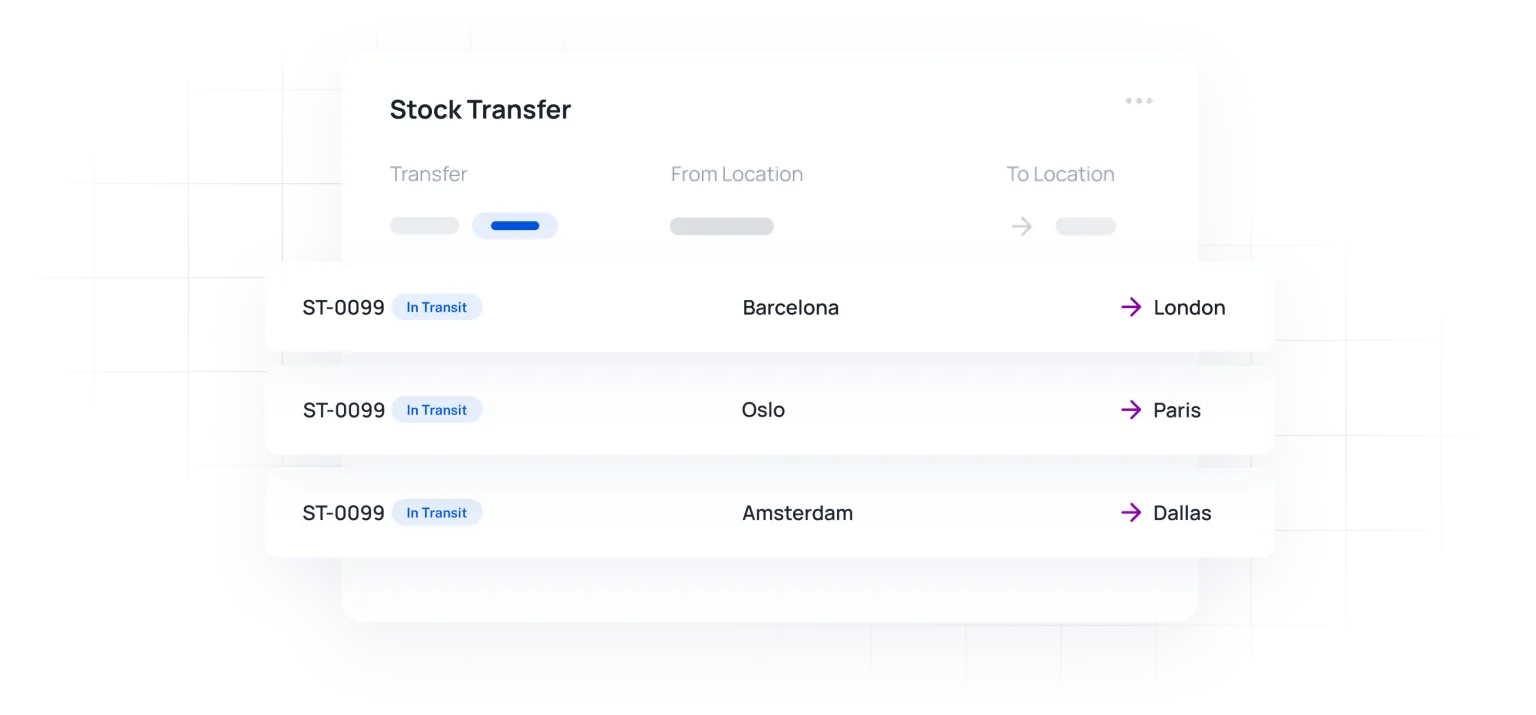
Stock placed with a customer, a shop-in-shop or a partner is transferred into a consignment location of its own. It stays in your totals and your valuation, and when it sells you raise the sale from that location.
Roles decide who can see and move what, so a site manager works their own location without wandering into the others.
Each explained on its own page.
Receive, count and adjust with the phone camera on iPhone, iPad or Android, or a standard scanner.
The reorder report shows every variant below its point, so a shortage at one site does not hide in the total.
Purchase orders receive into the warehouse that needs the stock, with freight allocated to what arrived.
Know which batch is where and what is nearing expiry across all your locations.
Stock on hand at moving average cost, for the company and for each location.
Every location posts to the same Xero or QuickBooks Online account.

We needed to centralise our inventory as we simply could not keep up anymore. So glad we stumbled across Qoblex… After trailing the app it did exactly that and even opened up a pandora’s box of other features that we are now utilising and saving us even more time.
Locations, transfers, consignment, and who can see what.
Two on Starter; unlimited on Business and Scale. Locations can be warehouses, shops, stockrooms or consignment sites: anywhere stock sits. See pricing.
Yes. A transfer document moves the quantity from one location to the other and records the date and who did it. Stock on hand at both ends changes with it.
Yes. Orders are fulfilled from a chosen location, and the pick list prints for that location when the order reaches shipping.
It sits in a consignment location, so it stays in your totals and your valuation until it sells. When it does, you raise the sale from that location and the stock and COGS move accordingly.
Role-based access controls what each user can see and do, so a manager can work their own site without the rest of the company’s stock in view.
Business Insights
Discover proven warehouse management tactics to streamline operations, minimize errors, and achieve unmatched inventory control for your business.
4 min read
Business Insights
Every mispicked order costs your business money. Every unnecessary step your pickers take adds up. And when you’re fulfilling orders across Shopify, Amazon, and wholesale channels simultaneously, inefficient warehouse picking can quickly become the bottleneck that limits your growth. Warehouse picking accounts for up to 55% of total warehouse operating costs, making it the single […]
18 min read
Be up and running in a fraction of the time you’re expecting it to take.
Our experts have helped hundreds of product sellers just like you.
Book a demoEngage an onboarding specialist to make it much easier for you.
Book a demoUnlike other systems, we can get you up and running within 1 week.